
Make a Fashion Lookbook with AI
This recipe uses Claude Code and Agent Images to create a lookbook from your collection. A lookbook shows every outfit on the same model with the same background.
What you need
- A FASHN API key with credits (API Setup)
- A photo of your model
- A photo of the location
- Four outfits from your collection
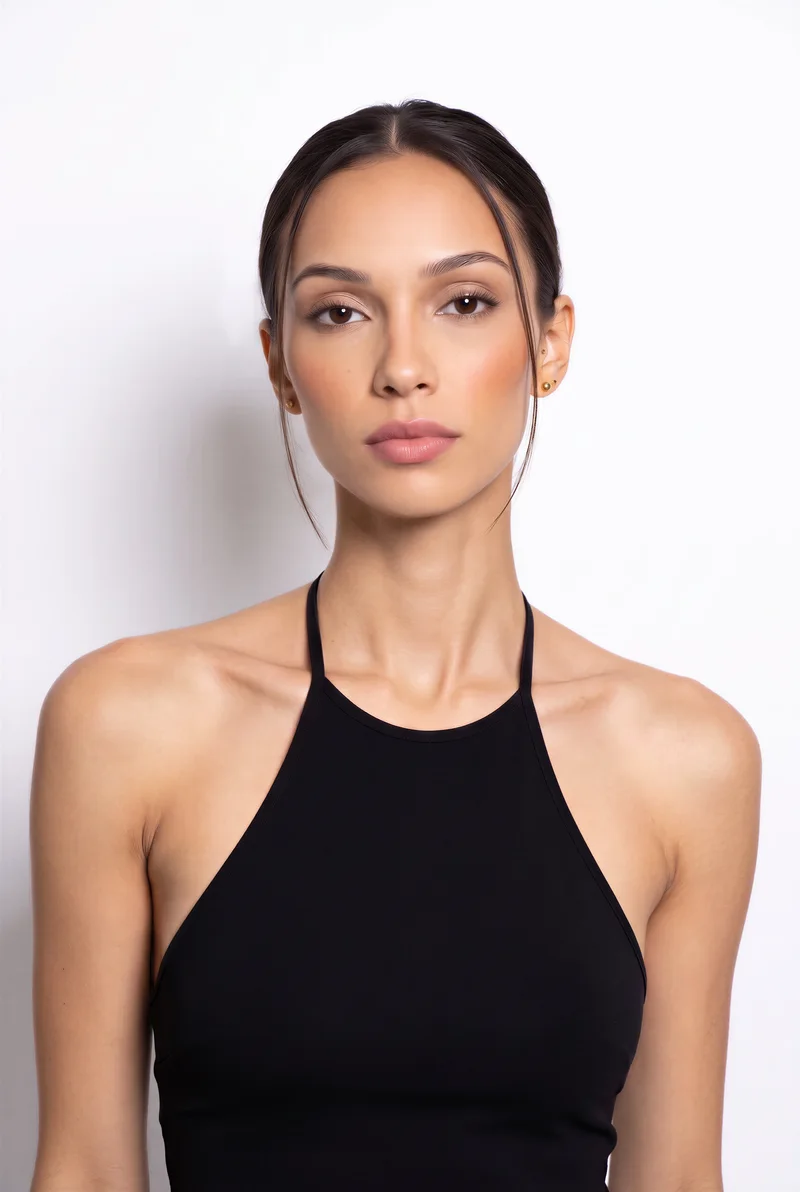
Model
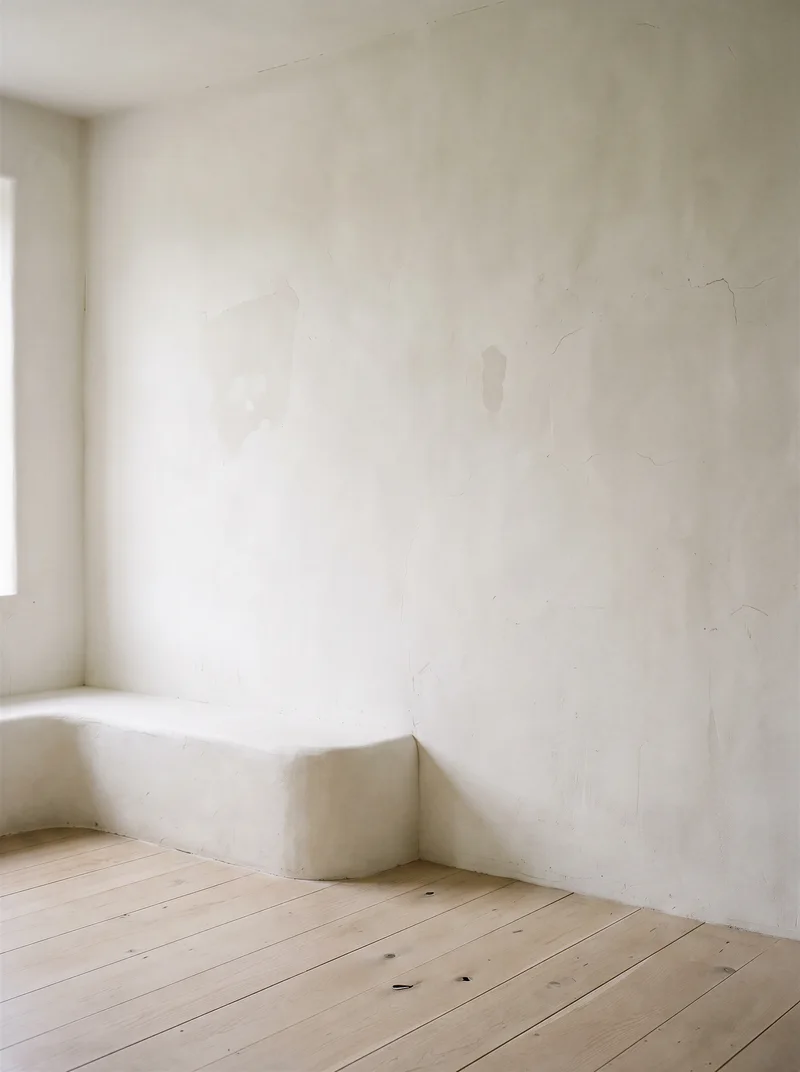
Location
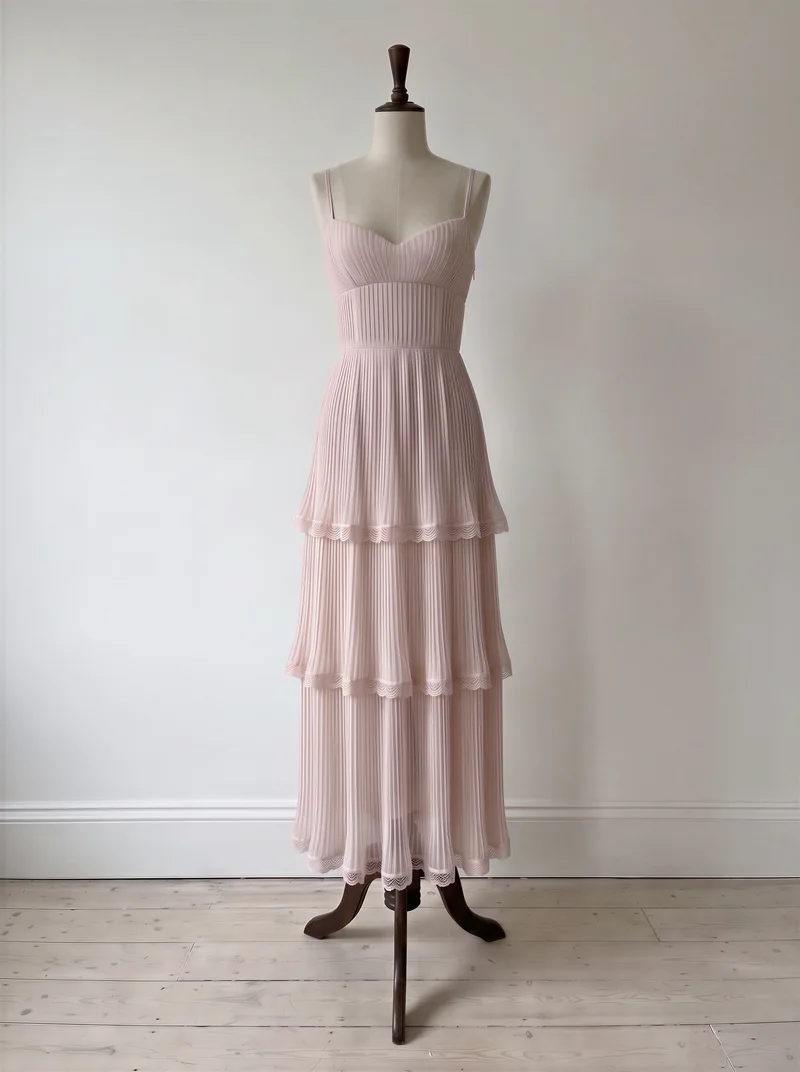
Outfit 1
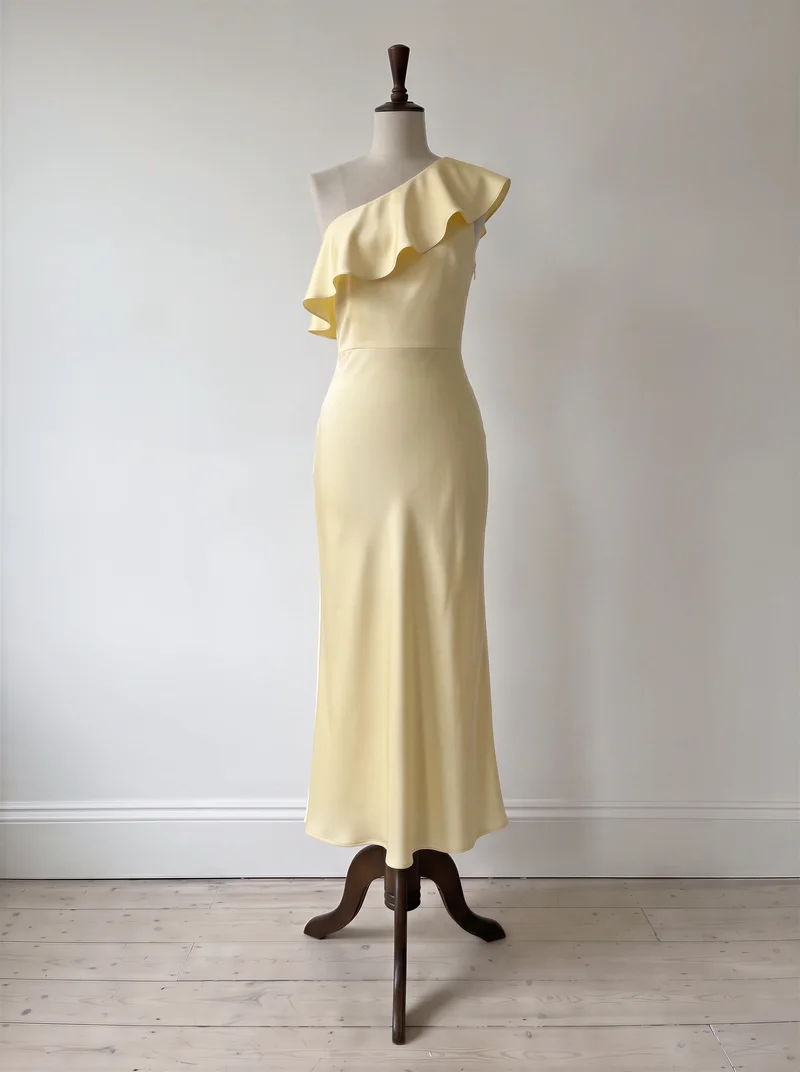
Outfit 2
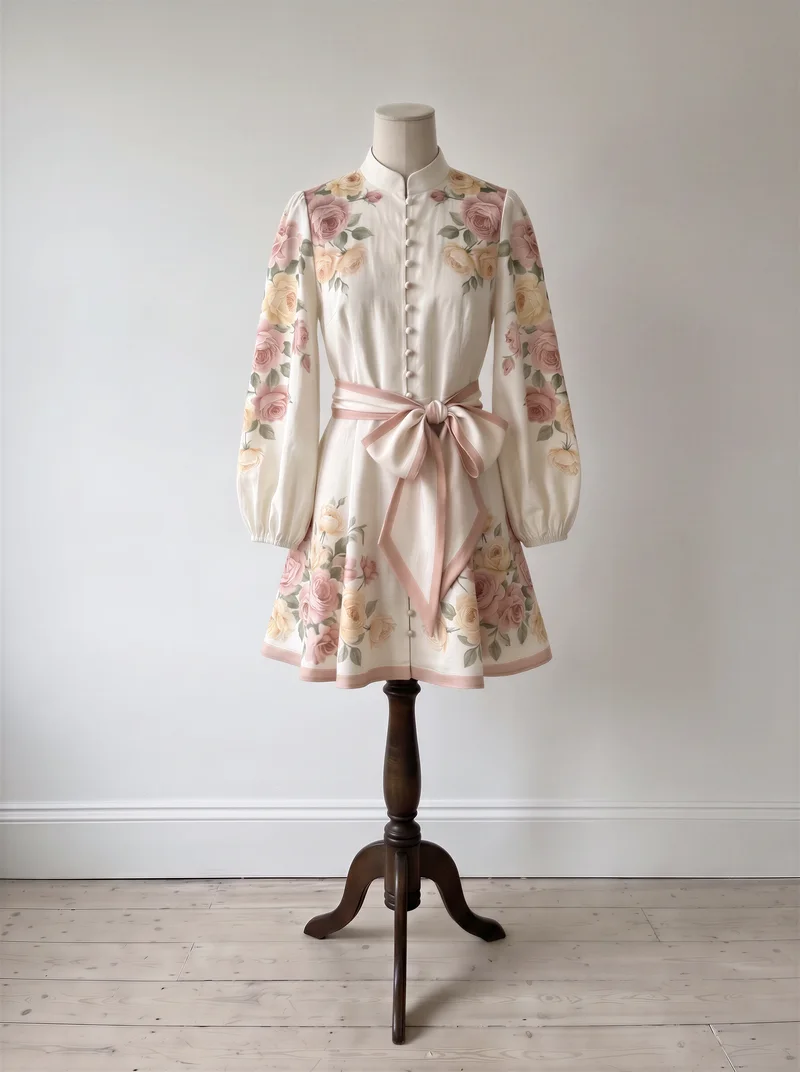
Outfit 3
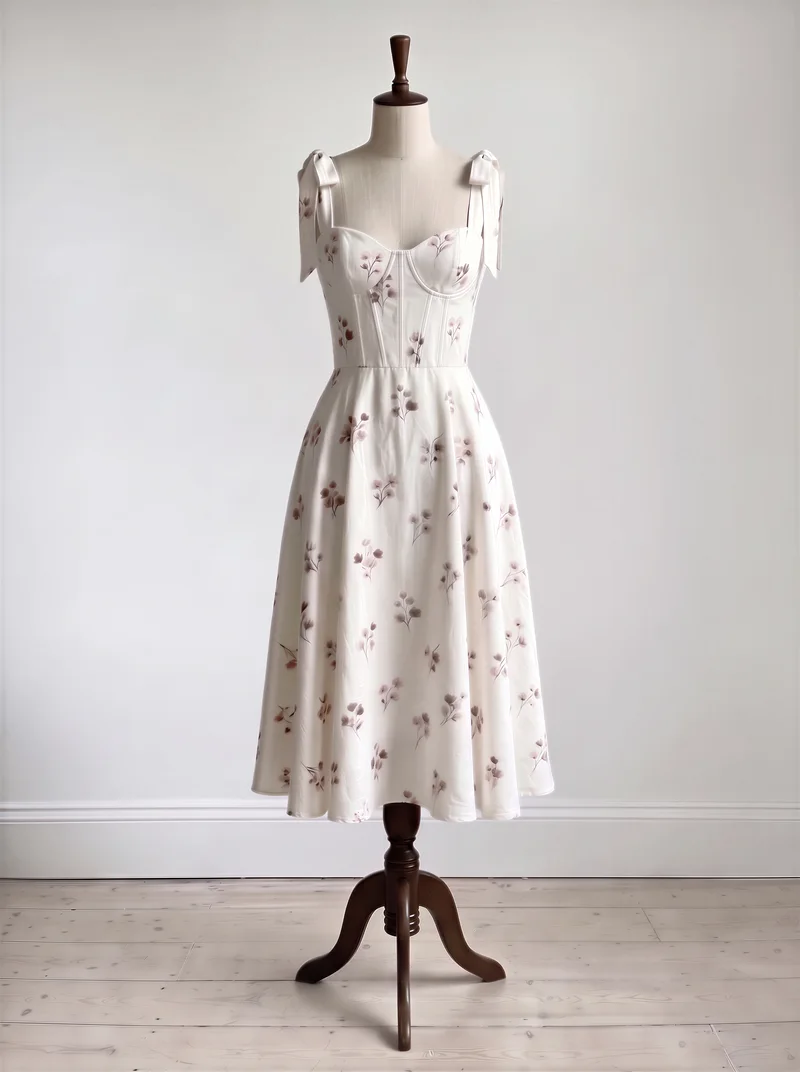
Outfit 4
Message
Open Claude Code in the folder with your six photos and paste this:
What happens
- The first time, Claude opens a
.envfile for your FASHN API key and tells you where to get it. - Claude tells you which photo is the model, which is the location and the order of the outfits. Reply yes or change it.
- The FASHN Agent makes look 1, then makes the other looks from it so they all match.
- Claude saves them in a
lookbookfolder aslook-1.pngtolook-4.png.
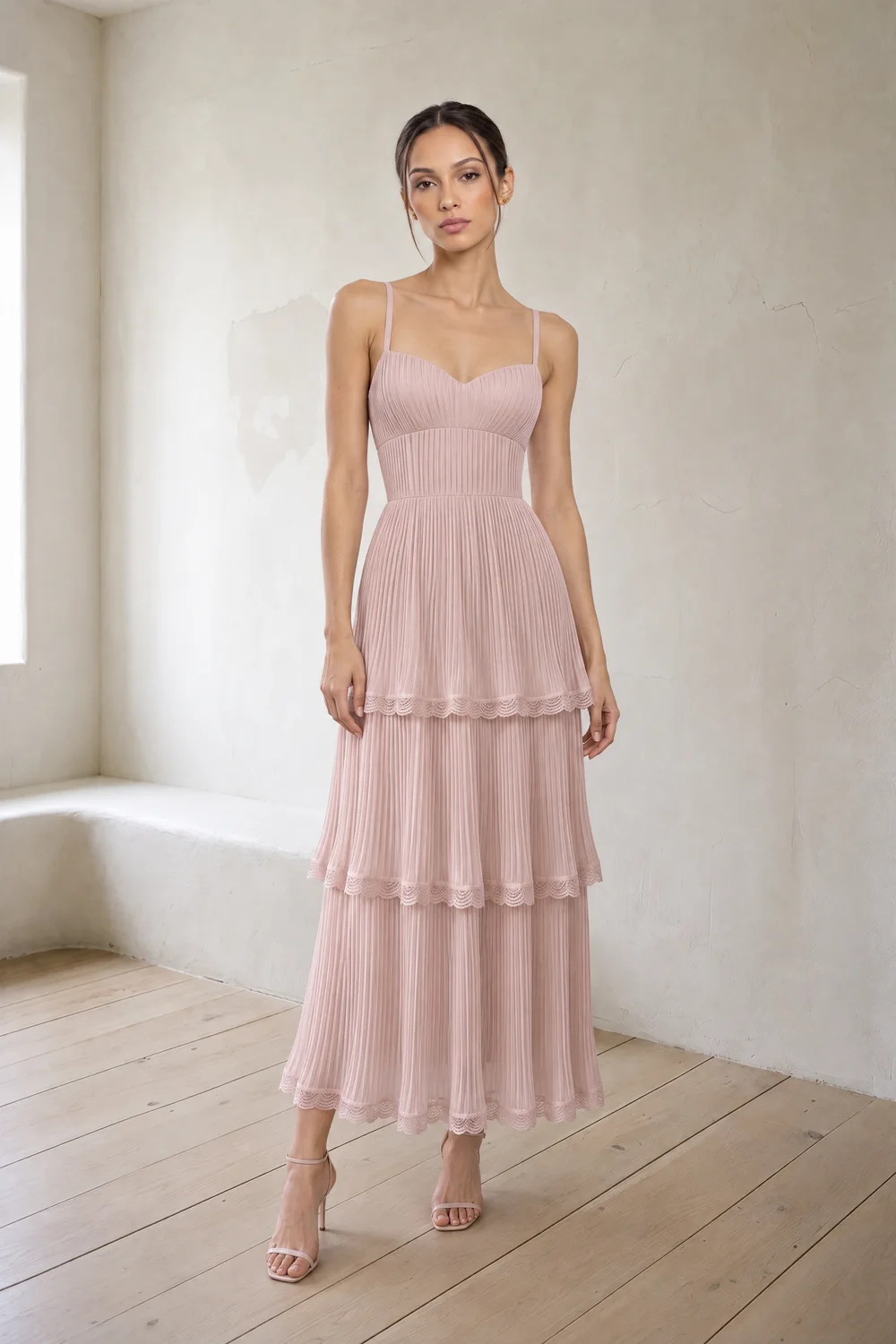
Look 1
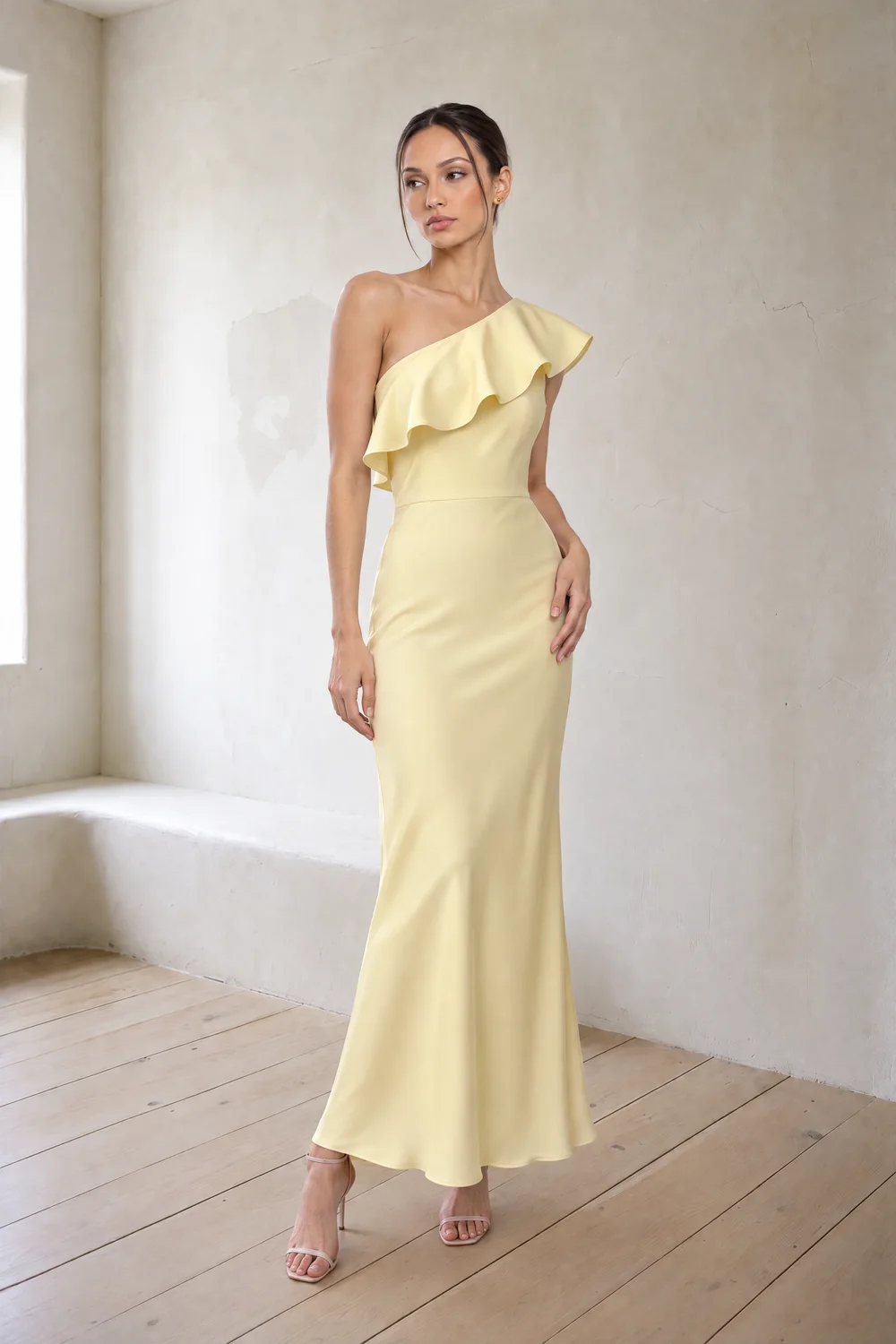
Look 2
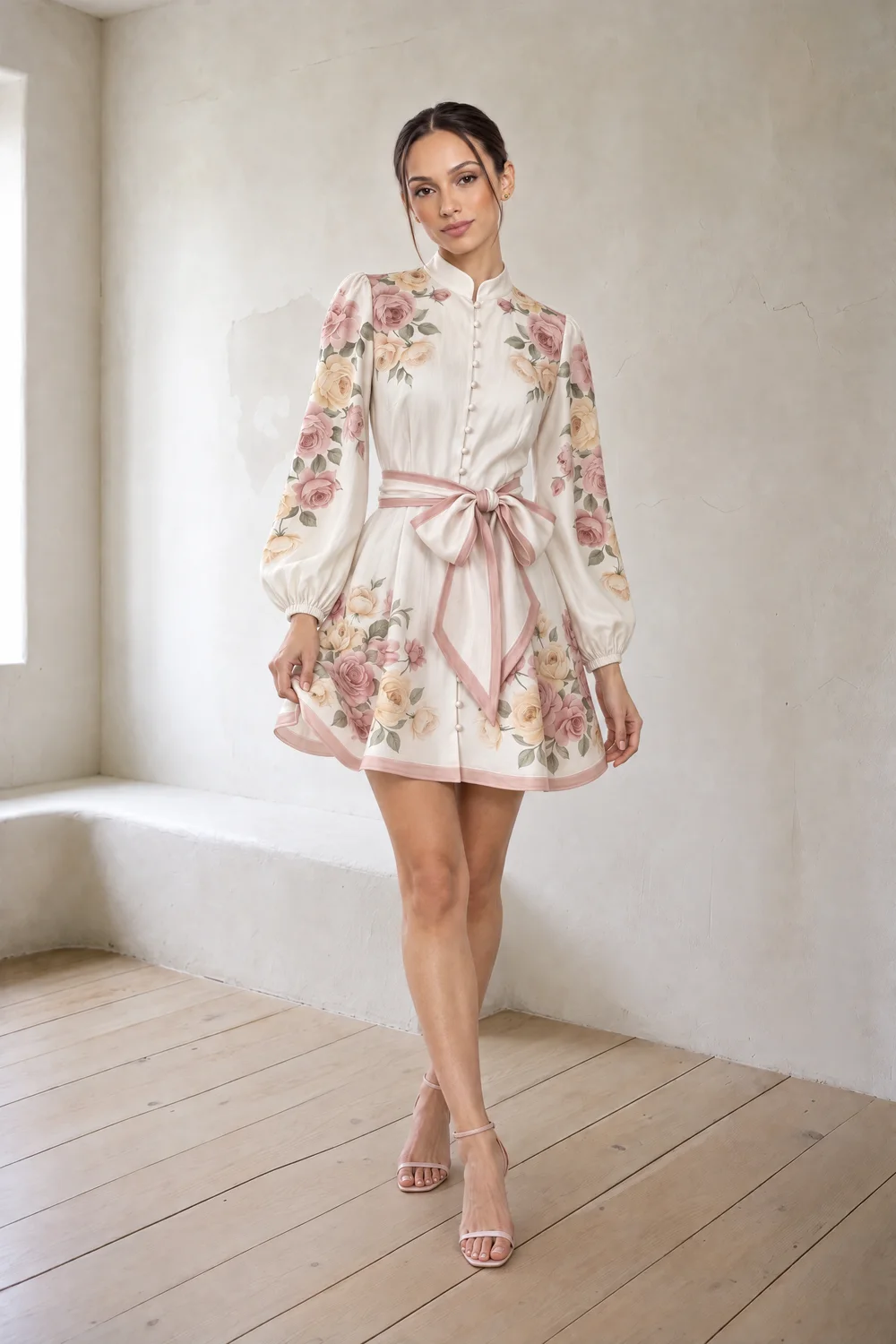
Look 3
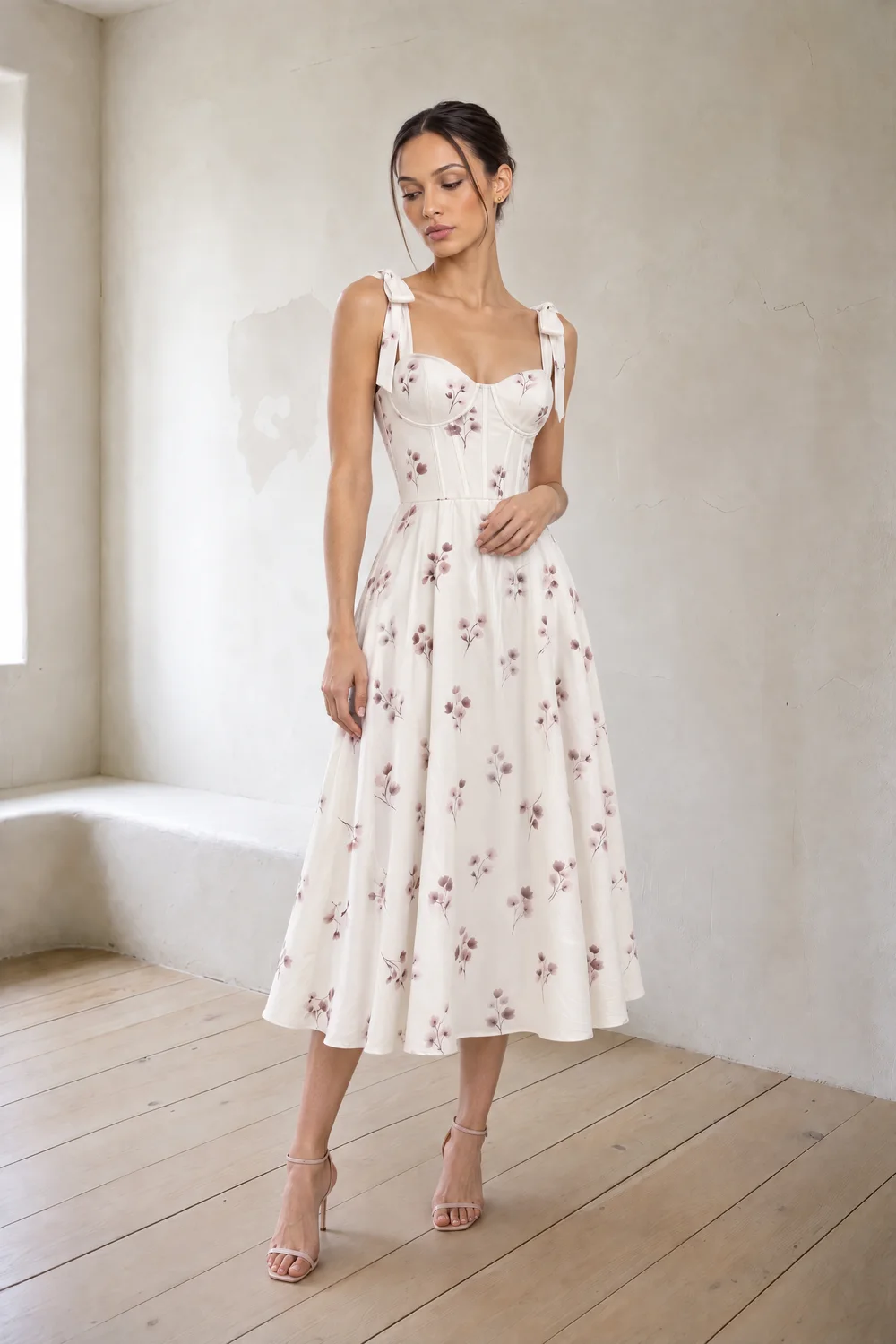
Look 4
Related guides
- How to make an AI lookbook with Claude Code ↗ - A full run, step by step, on our blog
- Agent Images - The API this recipe uses, to build your own image workflow
- Shopify Product Videos - Add product videos to your Shopify product pages
- Coding Agents - More ways to use FASHN from Claude Code, Codex, and Cursor