
Add AI Videos to Shopify Product Pages
This recipe uses Claude Code and Agent Videos to make a product video from the photos already on your Shopify product page. Then it adds the video to the page.
What you need
- A FASHN API key with credits (API Setup)
- A product page with a front and back photo on a model
- A paid Shopify plan (trial stores can't upload videos)
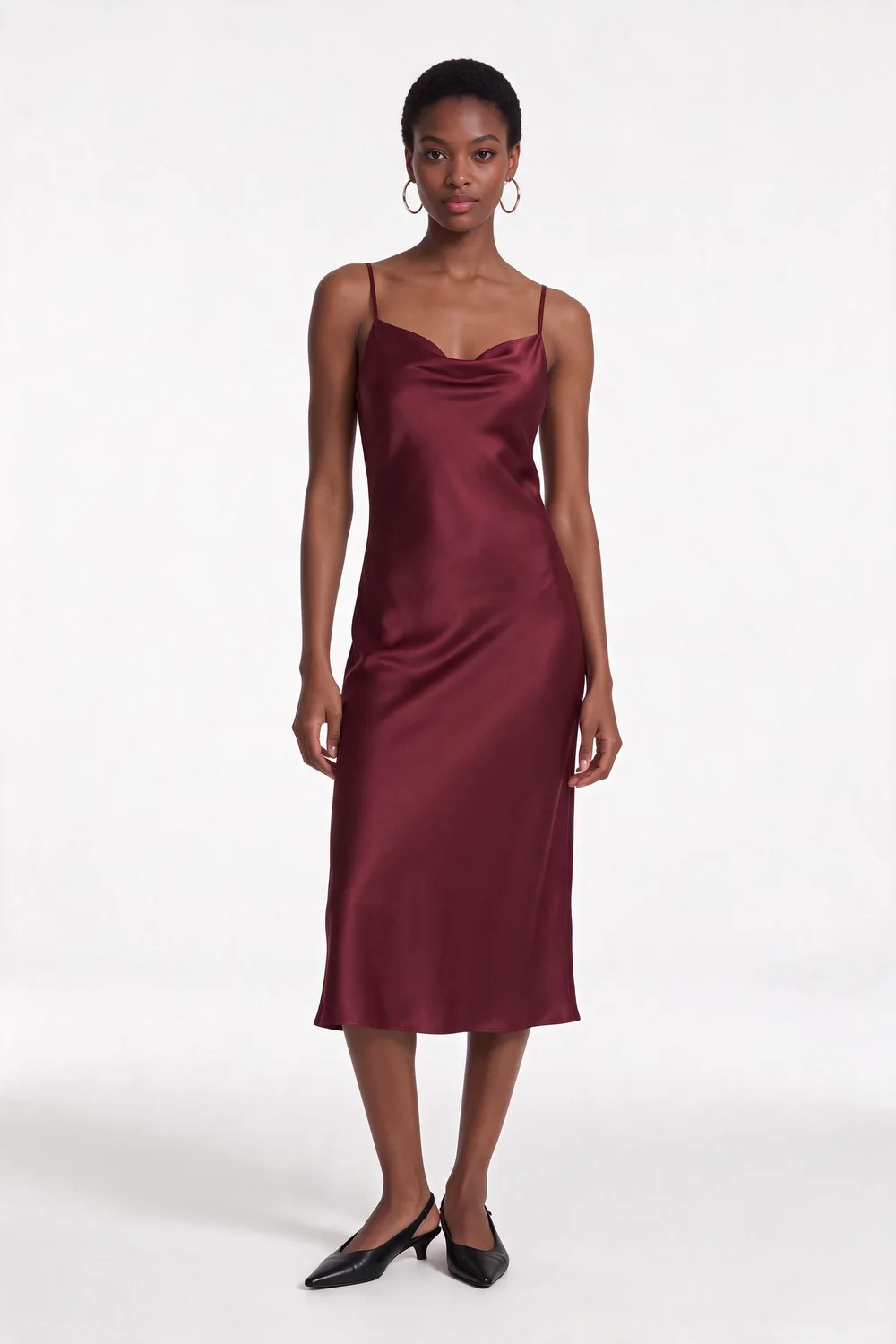
Front photo
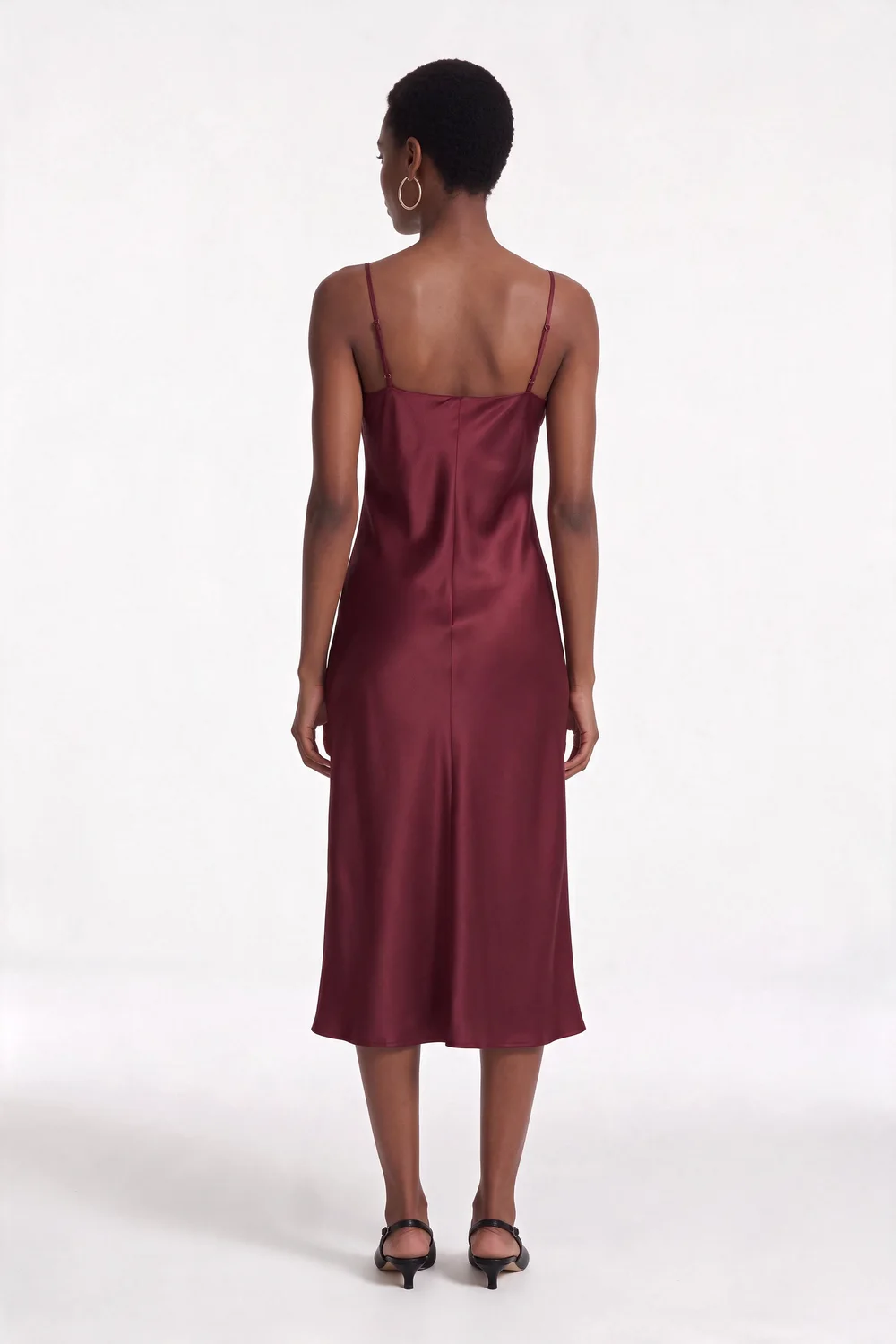
Back photo
Message
Paste this into Claude Code with your own product page link:
What happens
- The first time, Claude opens a
.envfile for your FASHN API key and tells you where to get it. - The first time Claude connects to your store, your browser opens a Shopify page. Click Install and go back to Claude.
- Claude tells you which photo is the front and which is the back. Reply yes or change them.
- The FASHN Agent makes a 10 second video.
- Claude saves the video and asks before it adds it to your product page.
Your whole store
After your first video, tell Claude in the same conversation:
Claude checks the photos for every product with you and makes one test video first, since videos use more credits than photos (credit cost). Once you approve it, Claude makes the rest and asks once before adding them to their product pages.
Related guides
- Agent Videos - The API this recipe uses, to build your own video workflow
- Lookbook - Make a lookbook from your collection, with the same model in every look
- Coding Agents - More ways to use FASHN from Claude Code, Codex, and Cursor